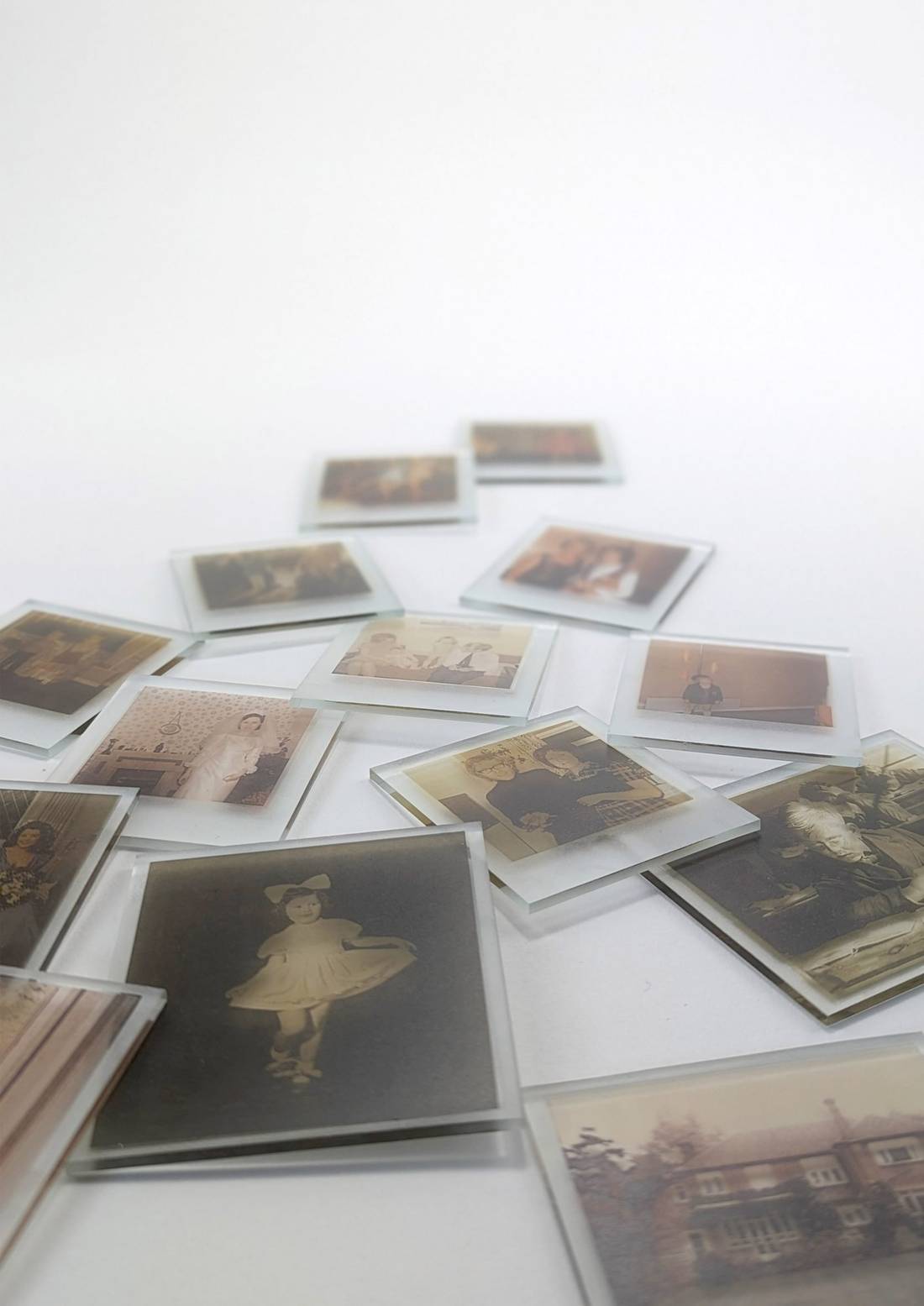
Digital photos are easy to take—and even easier to lose in endless camera rolls. What actually lasts are the stories behind those images: the way your grandfather laughs when he talks about his first job, or how your aunt’s voice softens when she describes leaving home for a new country.
Combining voice memos with photos is one of the most powerful ways to preserve family stories. It turns a flat image into a living memory your family can replay for years. This is exactly what Adoras is built for: connecting voices, images, dates, and places into a timeline your future grandchildren can actually understand and feel.
Why pairing voice memos and photos creates stronger memories
A single photo is a snapshot. A photo plus a voice story becomes an experience. Research on multisensory memory shows that when we combine audio and visuals, we engage more of the brain and remember the story more deeply and for longer.
Imagine a 1975 family reunion photo. On its own, you might recognize a few faces. But when you tap play and hear your grandfather describe who cooked what, who travelled the farthest, and why everyone was laughing that day, the moment comes alive. It’s that mix of voice, emotion, and image that makes a true legacy.
Adoras takes this idea and makes it simple: you connect a photo, a voice memo, a date, and a place—and the app does the organizing in the background.
Step 1: Record the stories (without making it awkward) You don’t need a studio setup to record beautiful family memories.
Start with your phone
Use your phone’s built‑in voice memo app or record directly inside Adoras. A quiet room and the phone held about 6–12 inches away is usually enough for clear audio.Use photos as gentle prompts
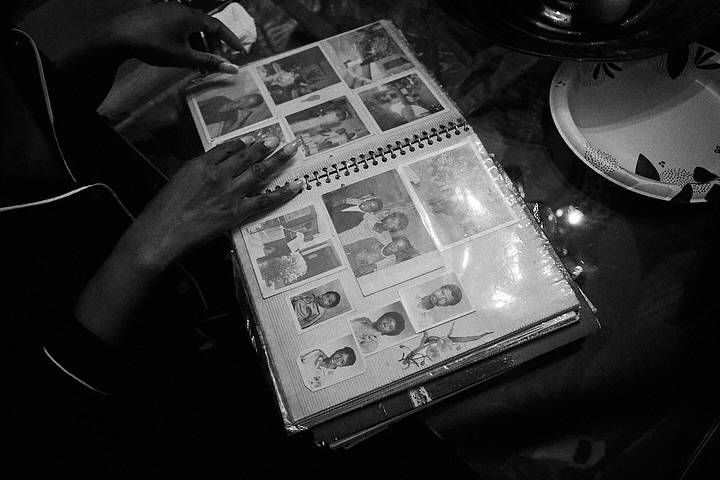
Open a family photo—maybe a wedding, a graduation, or that old reunion picture—and ask something simple like, “What was happening here?” or “How were you feeling that day?” Most elders don’t need a script; they just need an invitation.Keep it short and relaxed
Instead of chasing a two‑hour life interview, think in small, honest moments: a 3–5 minute story about one day, one place, one turning point. Those are easier to record—and easier to listen back to later.
Step 2: Connect the voices to the photos
This is where memories turn into a real legacy.
Match each story with an image
After recording, attach the audio to a related photo inside Adoras. That could be an old scan, a phone snapshot of a physical print, or even a current picture of the storyteller.Add simple details
Tag who’s speaking, where it took place, and roughly when. You don’t need exact dates to make it powerful—“around 1975, first winter in Canada” is already meaningful context.Let Adoras handle the structure
Once those pieces are in, Adoras organizes them into a timeline and “chapters” of a life, so you’re not stuck managing folders, filenames, and random notes.
Step 3: Transcribe and make stories searchable
Text makes stories easier to scan, search, and revisit over time.
Turn voice into text automatically
Adoras can transcribe your recordings so you can quickly skim what was said, search for names or places, and share excerpts with family members who prefer reading.Fix details as you go
If a name is spelled wrong or a date is slightly off, you can edit the transcript while keeping the original audio intact. That way, your family gets both accuracy and authenticity.Support for different accents and languages
If your family mixes languages or has strong regional accents, you can review the transcript together and adjust it, preserving those cultural nuances instead of flattening them.
Step 4: Organize, protect, and share with intention
Group stories by person or theme
Create spaces like “Grandma Rose – 18 memories” or “Immigration Stories,” so it’s easy for future generations to explore one person’s journey or one chapter of your family’s history.Back everything up
Follow a simple rule: more than one copy, more than one place. Adoras keeps an encrypted version in the cloud, but you can also export key stories to store on personal drives if you’d like extra peace of mind.Share on your terms
Some memories are for the whole extended family; others are for a closer circle. Adoras lets you choose who sees what, so sensitive stories stay in safe, trusted hands.
Why Adoras is built for voice‑and‑photo storytelling
Adoras is designed around a simple belief: your family’s voices matter as much as their faces. By pairing voice memos with photos, dates, and places—and organizing everything into an easy timeline—the app helps you move from “we really should record this someday” to “we actually did.”
You’re not just saving files. You’re building a living archive your kids and grandkids can listen to, look at, and feel.
Ready to turn your family’s voice memos and photos into a legacy that lasts? Open Adoras, choose a photo, ask one question, and hit record. The future version of your family will be grateful you did.